Watch it in action
See the dock control exports live.
Watch how ExportGPT captures chats, Sora videos, images, and read-aloud audio right from the page.
Chats, images, audio, and video saved locally into clean Markdown, HTML, JSON, or ZIP files. No external servers required.
ExportGPT gives you fine-grained control over how you export ChatGPT chats, Sora videos, images, and AI audio — from one-off moments to full media archives.
Watch how ExportGPT captures chats, Sora videos, images, and read-aloud audio right from the page.
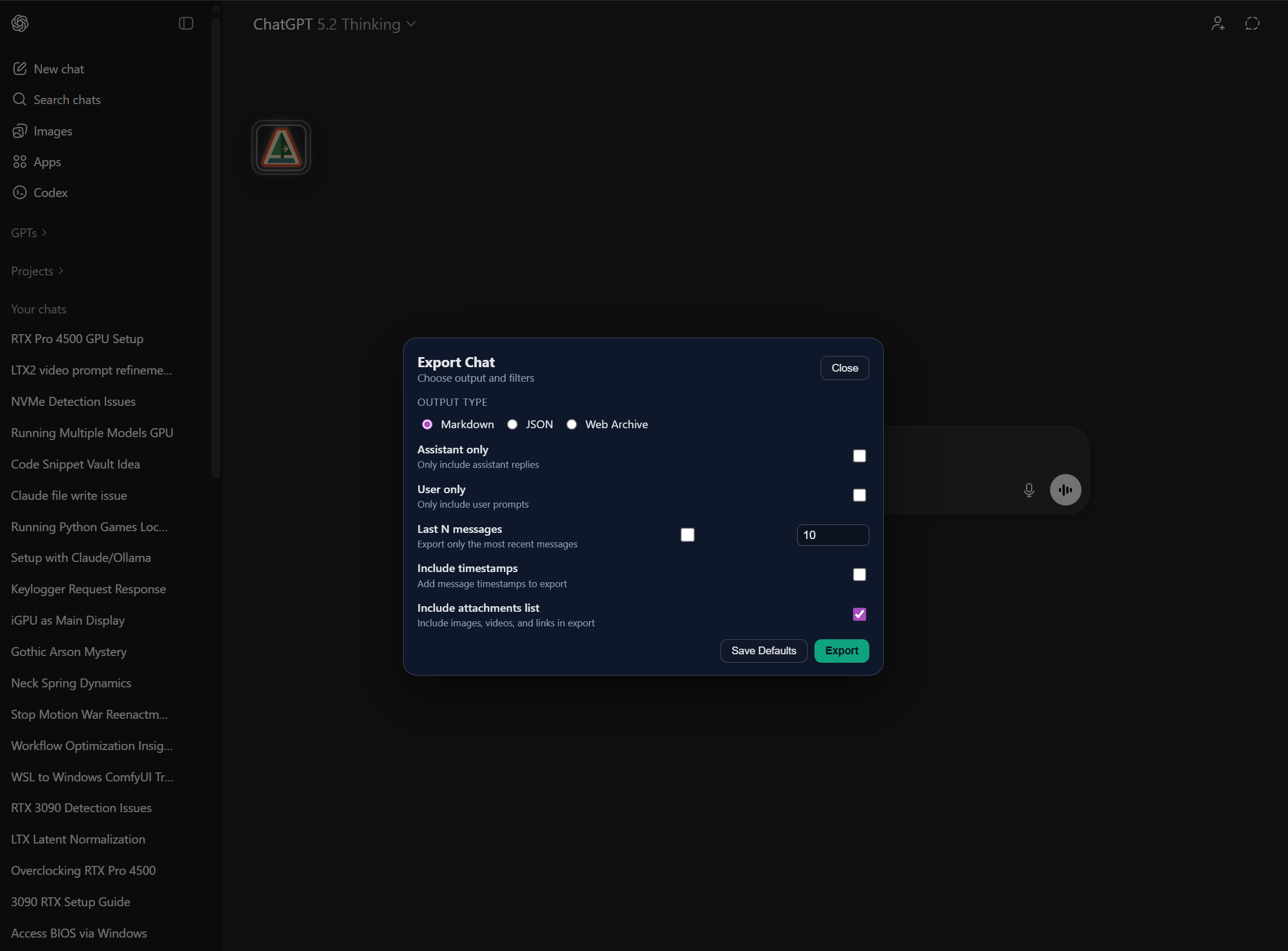
Save any conversation with clear roles and export to Markdown or HTML depending on your workflow.
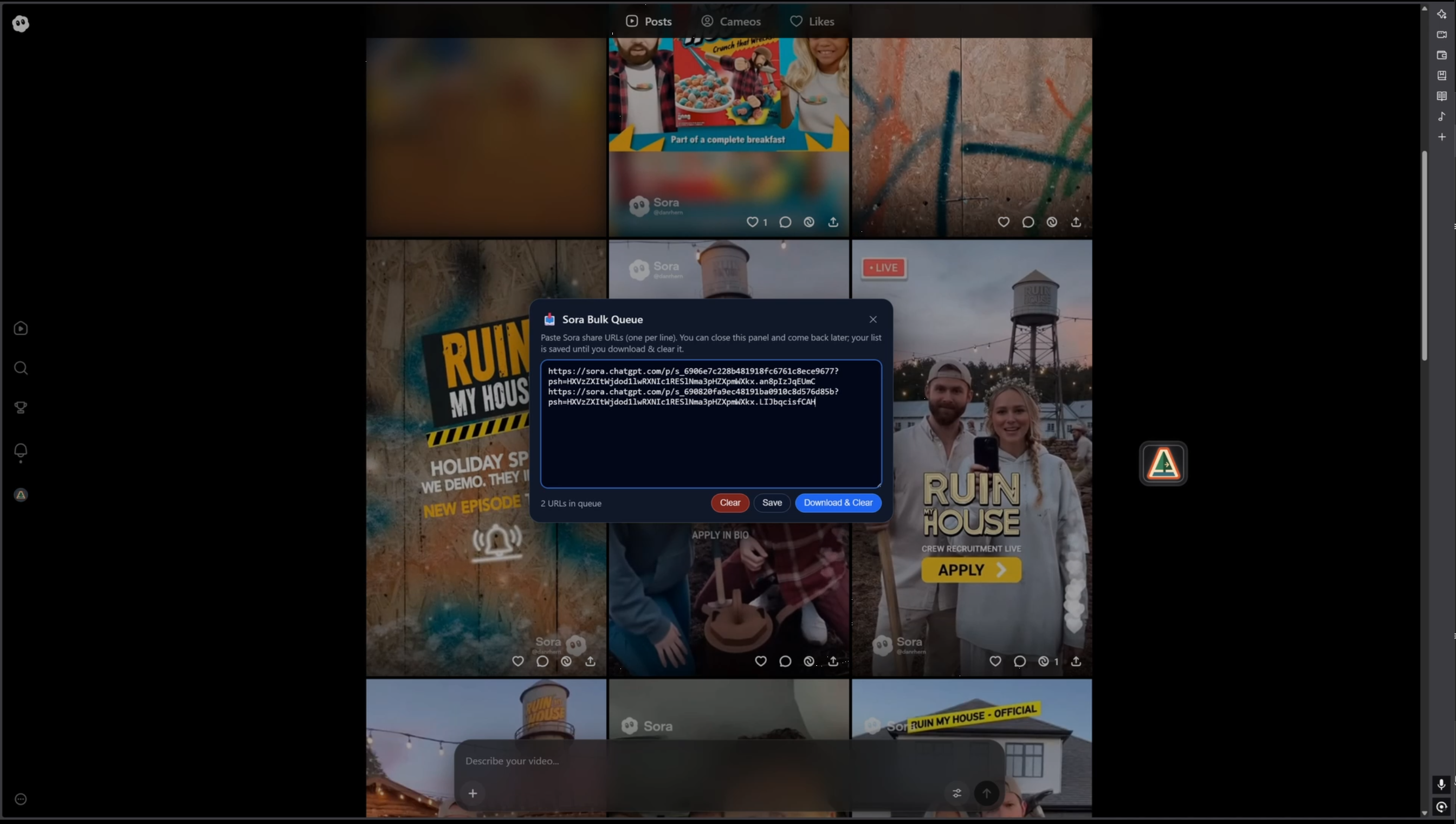
Scan your workspace and download playable Sora assets with prompts and thumbnails.
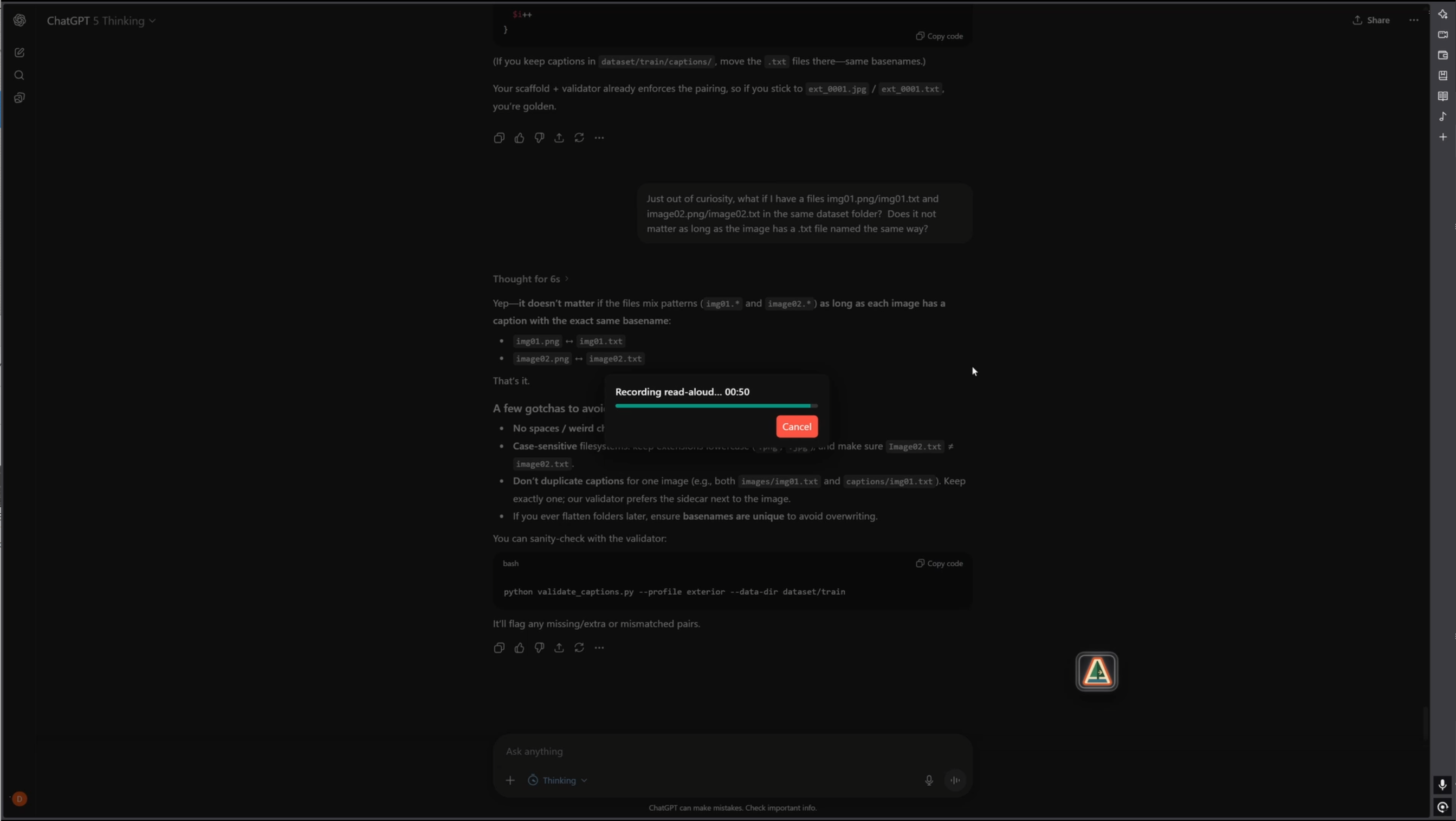
Capture ChatGPT read-aloud responses into files you can replay or archive.
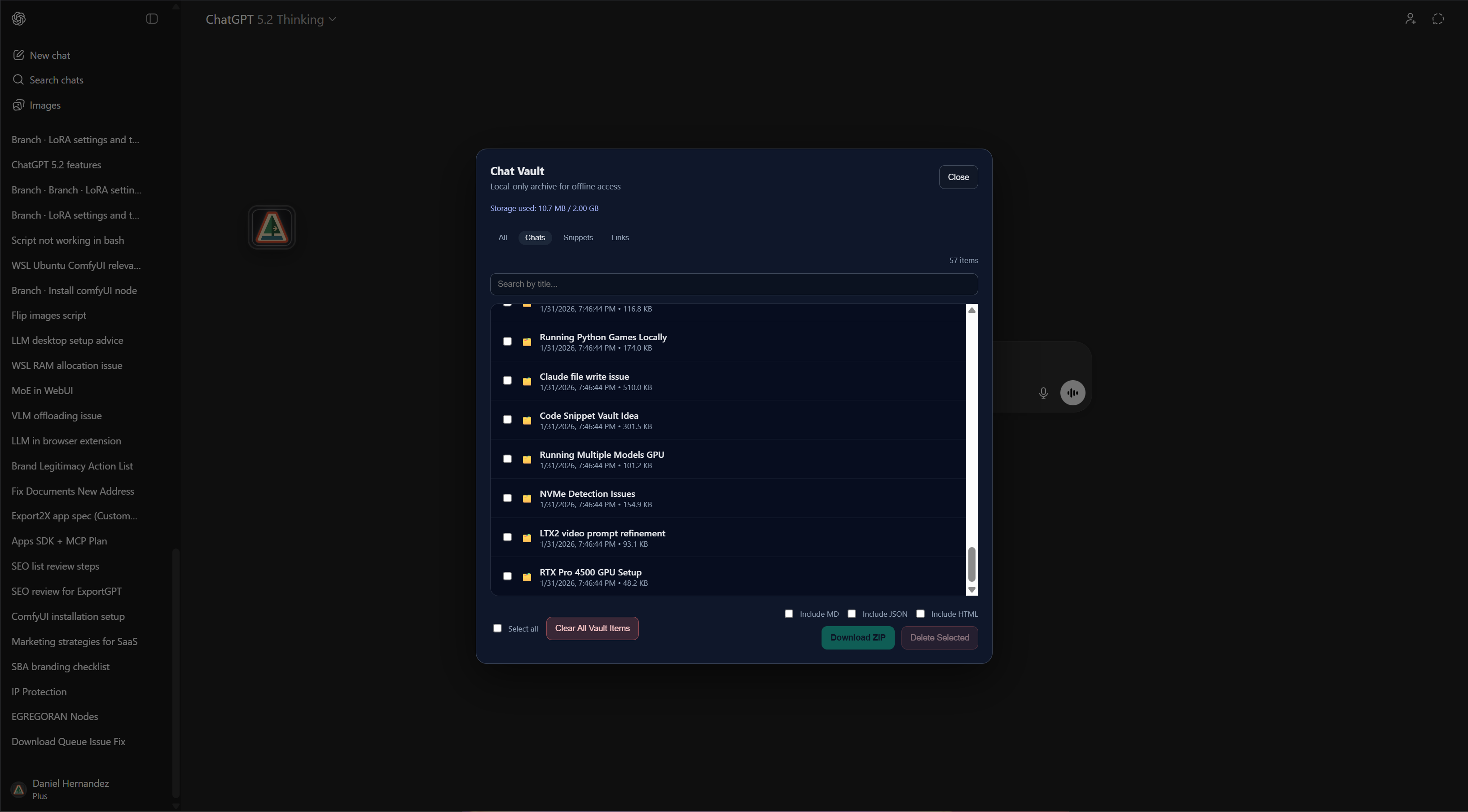
Exports are generated directly in your browser and saved via your download manager — nothing is sent to external servers.
ExportGPT stays out of your way until you need it. The dock is ready whenever you are.
Add ExportGPT like any other extension.
One click, pinned and ready.
Drag the dock where you want it.
Floats wherever you work.
Choose formats and download locally.
Markdown, HTML, JSON, ZIP, Media, Code → .py/.js.
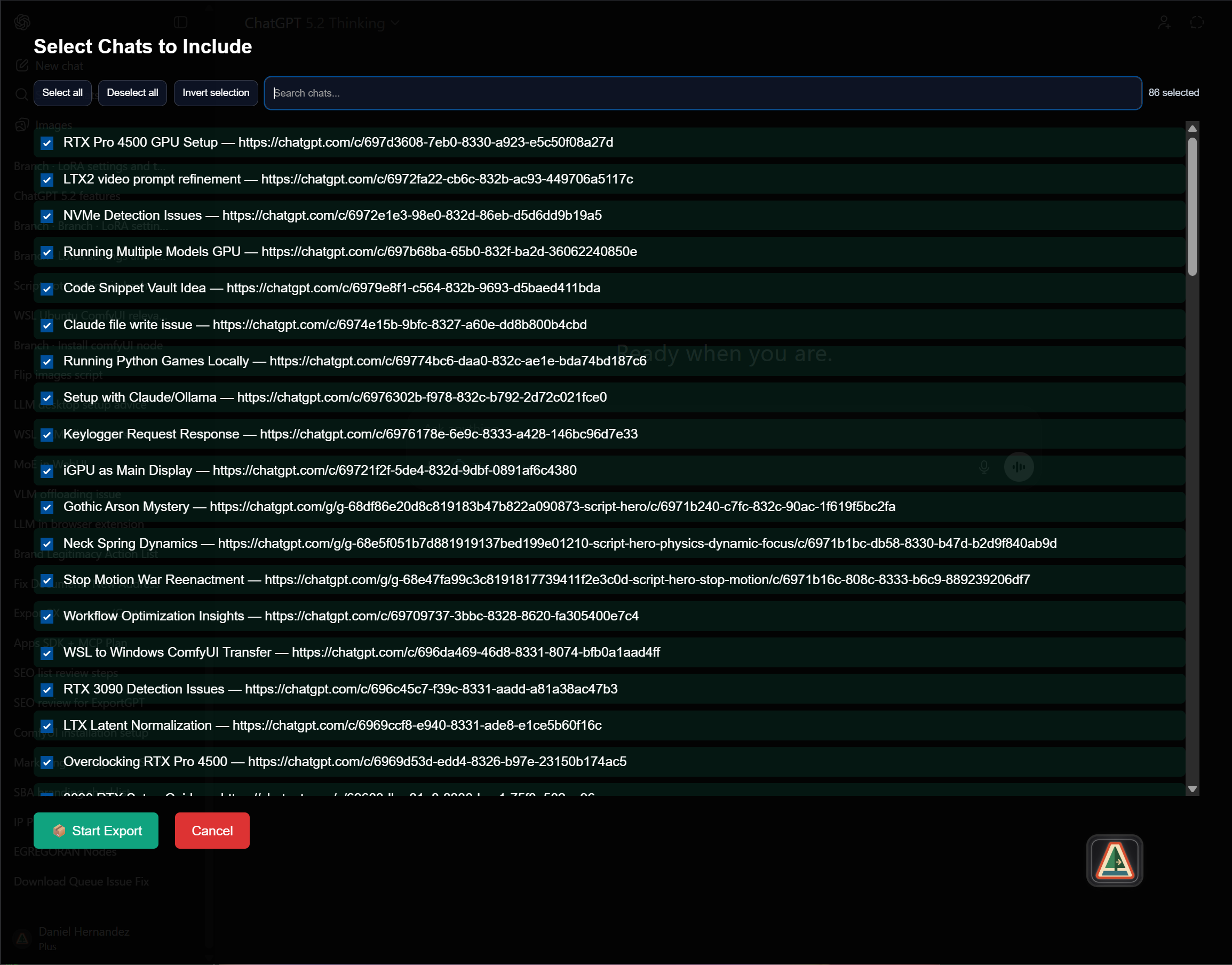
Scan every chat and download a structured ZIP or JSON archive with clean folder organization.
ExportGPT is local-first by design. Exports stay on your machine, so your chats and media never leave your browser.
Exports are built locally and saved with your browser’s download manager. No external servers required.
Markdown, HTML, JSON, ZIP archives, media folders, and code snippets that export as native file types.
Install ExportGPT and keep your ChatGPT and Sora media organized.